
Hardening GitHub Actions: Least Privilege, Pinned Actions and OIDC
CI pipelines hold deploy keys, cloud credentials and write access to your code, which makes them a prime target. Learn how to audit GitHub Actions workflows, restrict token permissions, pin actions, avoid injection risks and replace stored cloud keys with OIDC.
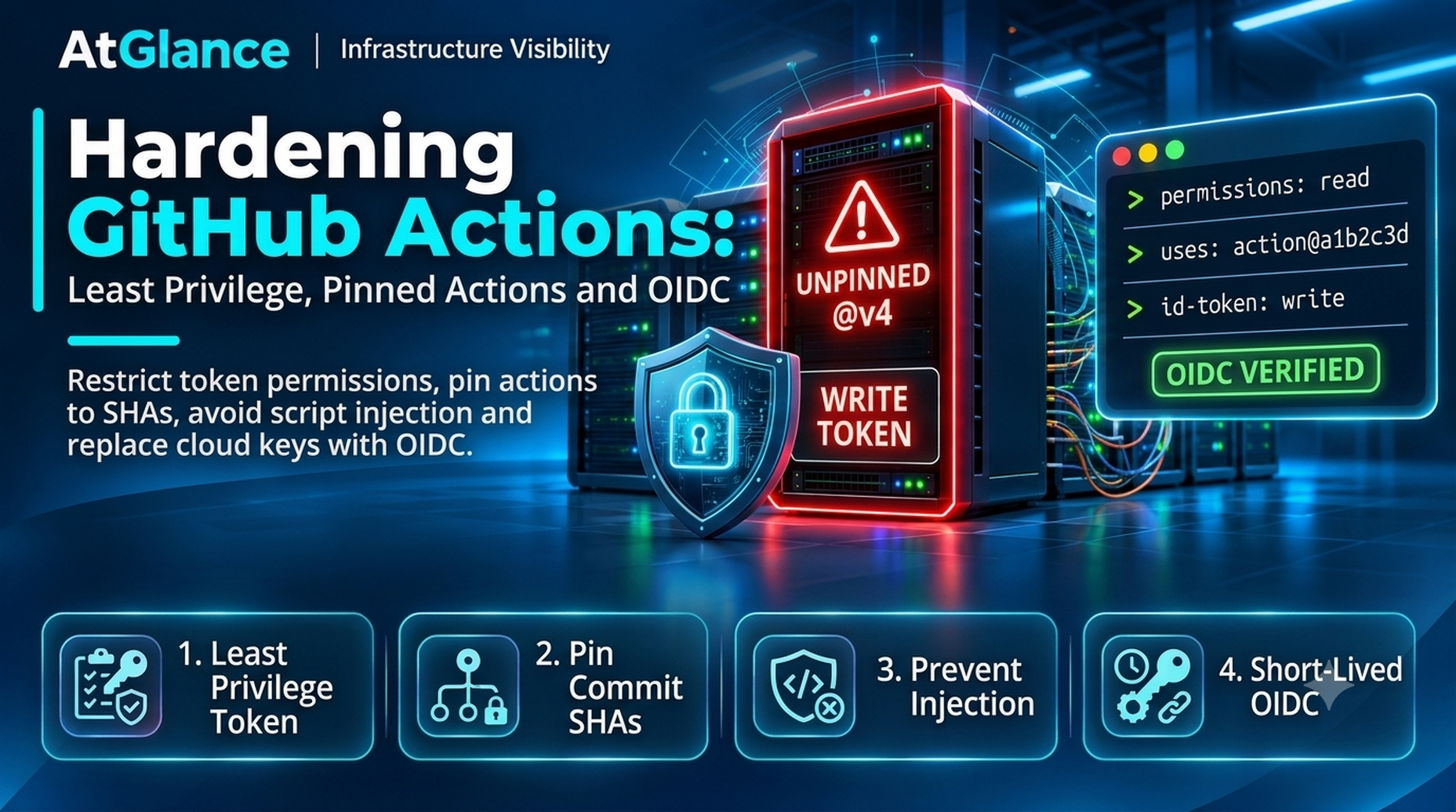
Hardening GitHub Actions: Least Privilege, Pinned Actions and OIDC
A CI/CD pipeline is one of the most privileged systems in an engineering organization. It can push code, publish packages, build and sign images and deploy to production. It usually holds the credentials to do all of that. Yet workflow files are often written once, copied between repositories and rarely reviewed with the same care as application code.
Attackers have noticed. Compromising a pipeline can be easier than compromising production directly, and the result can be just as damaging: stolen cloud credentials, tampered releases or malicious code merged into a trusted repository.
This guide focuses on GitHub Actions, but the principles apply to any CI system. It shows how to audit existing workflows, restrict the built-in token, pin third-party actions, avoid common injection mistakes and replace long-lived cloud keys with short-lived credentials through OIDC. The audit commands are read-only and run against a local clone of your repository.
Step 1: Audit Your Current Workflows
Start by finding the most common risky patterns. Run these from the root of a repository clone.
Workflows Without Explicit Permissions
grep -L 'permissions:' .github/workflows/*.yml .github/workflows/*.yaml 2>/dev/null
This lists workflow files that never set permissions. Those workflows rely on the repository or organization default for the built-in GITHUB_TOKEN, which may grant write access to the repository.
Check the repository default with the GitHub CLI:
gh api repos/OWNER/REPO/actions/permissions/workflow
The default_workflow_permissions field shows whether the default is read or write. This is a read-only API call.
Third-Party Actions Not Pinned to a Commit
grep -rnE 'uses:\s*[^./][^@]*@' .github/workflows \
  | grep -vE '@[0-9a-f]{40}'
This finds uses: lines that reference an action by tag or branch, such as @v4 or @main, rather than a full commit SHA. Local actions (./path) are excluded because they come from your own repository.
Risky Triggers
grep -rnE 'pull_request_target|workflow_run' .github/workflows
These triggers run with access to secrets and a write-capable token, even when started by contributions from forks. They are safe only when used carefully, as explained below.
Untrusted Input in Shell Commands
grep -rnE '\$\{\{\s*github\.event\.(issue|pull_request|comment|review|head_commit)' .github/workflows
This finds expressions that insert user-controlled values, such as issue titles, PR descriptions or commit messages, directly into workflow steps.
Static analysis tools such as actionlint, and security-focused linters for GitHub Actions, can find these and other problems automatically. Consider adding one to CI once you have fixed the initial findings.
Step 2: Restrict GITHUB_TOKEN Permissions
Every workflow run receives a GITHUB_TOKEN. If its permissions are broad, any compromised step, including a compromised third-party action, can use it to push code, create releases or modify issues.
Set the repository or organization default to read-only in the Actions settings, then grant only what each workflow needs:
name: ci
on:
  pull_request:
  push:
    branches: [main]

permissions:
  contents: read

jobs:
  test:
    runs-on: ubuntu-latest
    steps:
      - uses: actions/checkout@<full-commit-sha> # v4
      - run: make test
When a job needs more, grant it at the job level, so only that job gets the extra access:
jobs:
  release:
    runs-on: ubuntu-latest
    permissions:
      contents: write
    steps:
      - uses: actions/checkout@<full-commit-sha> # v4
      - run: ./scripts/create-release.sh
Once permissions is specified, any permission not listed is set to none. Expect a few workflows to fail after you tighten defaults; the error messages show which permission is missing, and you can add exactly that one.
Note: changing the default token permission at organization level affects every repository at once. Test on a few repositories first, or set explicit permissions in workflows before changing the default.
Step 3: Pin Third-Party Actions to Commit SHAs
A reference such as some-org/some-action@v2 points to a Git tag, and tags can be moved. If the action's repository is compromised, or a maintainer account is taken over, the tag can be pointed at malicious code, and every workflow using it will run that code on its next run, with access to the workflow's secrets and token.
Pinning to a full commit SHA prevents that:
- uses: some-org/some-action@<full-40-character-commit-sha> # v2.3.1
The comment records the human-readable version for reviewers. To find the SHA for a tag, look it up in the action's repository, or with:
git ls-remote https://github.com/some-org/some-action refs/tags/v2.3.1
For annotated tags, the output may include a second line ending in ^{}; that line holds the commit SHA the tag points to.
Pinning creates an update burden, so automate it. Dependabot's github-actions ecosystem and similar tools can open pull requests that update pinned SHAs when new versions are released, so you review each change instead of receiving it silently.
Also reduce the number of third-party actions you depend on. A short shell step is often simpler and safer than an action that wraps one command.
Step 4: Avoid Script Injection
GitHub expressions like ${{ ... }} are substituted into the workflow before the shell runs. If the value comes from user input, an attacker can craft an issue title or branch name that breaks out of the intended command:
# Unsafe: the title is inserted directly into the script
- run: echo "New issue: ${{ github.event.issue.title }}"
Pass untrusted values through environment variables instead. The shell then treats them as data, not code:
# Safer: the value arrives as an environment variable
- env:
    ISSUE_TITLE: ${{ github.event.issue.title }}
  run: echo "New issue: $ISSUE_TITLE"
Keep the variable quoted in the script. Apply the same rule to PR titles and bodies, comment text, branch names, commit messages and any other field a contributor can control.
Step 5: Use pull_request_target and workflow_run Safely
The pull_request trigger runs workflows from forks with a read-only token and no secrets, which is safe for untrusted code. pull_request_target is different: it runs in the context of the base repository, with secrets and a potentially write-capable token.
The dangerous pattern is combining pull_request_target with checking out and running the pull request's code:
# Dangerous: runs untrusted PR code with access to secrets
on: pull_request_target
jobs:
  build:
    runs-on: ubuntu-latest
    steps:
      - uses: actions/checkout@<full-commit-sha>
        with:
          ref: ${{ github.event.pull_request.head.sha }}
      - run: npm install && npm test
Anyone can open a pull request that changes the build scripts or dependencies to exfiltrate secrets. Safer approaches:
- Use
pull_requestfor building and testing contributed code. - Use
pull_request_targetonly for tasks that do not run PR code, such as labeling or commenting, with minimal permissions. - If you must process results from untrusted builds, use a separate
workflow_runworkflow that treats downloaded artifacts strictly as data and never executes them.
Step 6: Replace Long-Lived Cloud Keys with OIDC
Storing cloud access keys as repository secrets means long-lived credentials that can be stolen and reused anywhere. GitHub Actions can instead request a short-lived OIDC token, which the cloud provider exchanges for temporary credentials. Major providers, including AWS, Azure and Google Cloud, support this.
On the GitHub side, the job needs permission to request the token:
jobs:
  deploy:
    runs-on: ubuntu-latest
    permissions:
      id-token: write
      contents: read
    environment: production
    steps:
      - uses: actions/checkout@<full-commit-sha>
      - uses: aws-actions/configure-aws-credentials@<full-commit-sha>
        with:
          role-to-assume: arn:aws:iam::<account-id>:role/github-deploy
          aws-region: <region>
      - run: ./scripts/deploy.sh
On the cloud side, the most important part is the trust policy. It must restrict which repository, branch or environment can assume the role. For AWS, the condition on the token's subject claim looks like this:
"Condition": {
  "StringEquals": {
    "token.actions.githubusercontent.com:aud": "sts.amazonaws.com",
    "token.actions.githubusercontent.com:sub": "repo:my-org/my-repo:environment:production"
  }
}
Warning: a trust policy that only checks the audience, or that uses a broad wildcard on the subject, can let workflows in other repositories assume your role. Always scope the subject to a specific repository and, ideally, a specific branch or environment. Check your provider's documentation for the exact claim formats.
Once OIDC works, delete the old access keys from the cloud provider and remove them from repository secrets.
Step 7: Protect Deployments with Environments
GitHub environments let you attach secrets and protection rules to a deployment target. Use them to:
- Require approval from specific reviewers before a job can access production secrets.
- Restrict which branches can deploy to an environment.
- Scope OIDC trust policies to the environment, as in the example above.
This ensures that a workflow change on a feature branch cannot deploy to production or read production secrets without review.
Security Considerations
- Treat workflow files as security-sensitive code. Require review for changes under
.github/workflows, for example with code owners. - Be careful with self-hosted runners. Runners that persist between jobs can leak data from one job to the next. Avoid using them with public repositories, and prefer ephemeral runners that are destroyed after each job.
- Keep secrets out of logs. GitHub masks registered secrets, but values derived from them, such as encoded or transformed versions, may not be masked.
- Review secrets regularly. Remove secrets that are no longer used and rotate those that remain.
Keeping Pipelines Visible
Pipeline configuration is spread across many repositories, and security settings drift as workflows are copied and edited. Regularly checking which workflows lack explicit permissions, which use unpinned actions and which still rely on stored cloud keys keeps that drift visible. Treating CI configuration as part of your infrastructure inventory, alongside hosts and clusters, is the kind of configuration visibility AtGlance focuses on; the audit commands in this guide work with any tooling.
Conclusion
CI/CD pipelines deserve the same security attention as production. Audit your workflows for missing permissions, unpinned actions, risky triggers and untrusted input. Set the GITHUB_TOKEN to read-only by default, pin actions to commit SHAs with automated updates, pass untrusted values through environment variables, and keep pull_request_target away from untrusted code. Finally, replace stored cloud keys with tightly scoped OIDC roles and protect deployments with environments. Each change is small, and together they make your pipeline a much harder target.